
SPF RECORDS
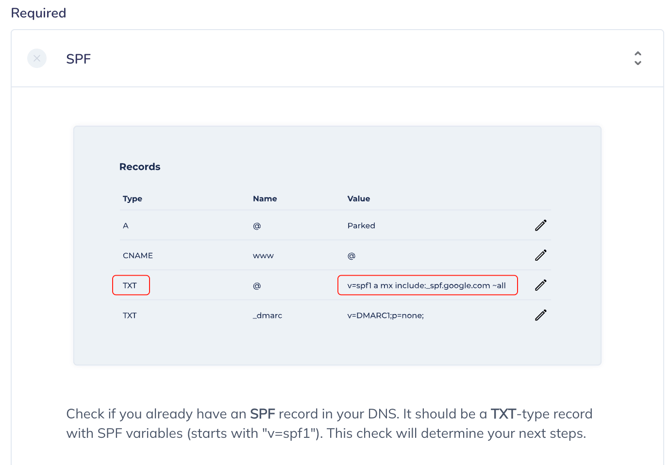
Ok! Follow the instruction described below.
Edit the TXT record and merge your existing Value with variable display below
For example, if your domain already has the record:
v=spf1 a mx include:_spf.google.com ~all
You need to add to this variable:
include:emailworld123.com
So, created variable will look like this:
v=spf1 a mx
include:emailworld123.com
include:_spf.google.com ~al
DKIM
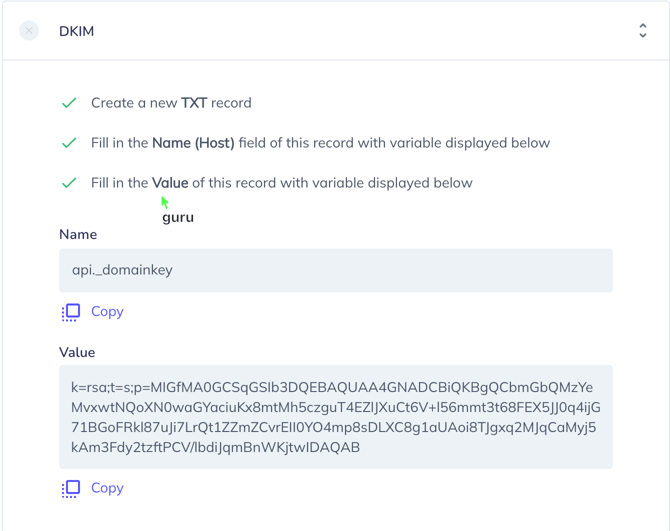
Create a new TXT record
Fill in the Name (Host) field of this record with variable displayed below
Fill in the Value of this record with variable displayed below
Name
api._domainkey
Value
k=rsa;t=s;p=MIGfMA0GCSqGSIb3DQEBAQUAA4GNADCBiQKBgQCbmGbQMzYeMvxwtNQoXN0waG
YaciuKx8mtMh5czguT4EZlJXuCt6V+l56mmt3t68FEX5JJ0q4ijG71BGoFRkl87uJi7LrQt1ZZmZCvrEII0Y
O4mp8sDLXC8g1aUAoi8TJgxq2MJqCaMyj5kAm3Fdy2tzftPCV/lbdiJqmBnWKjtwIDAQAB
CNAME
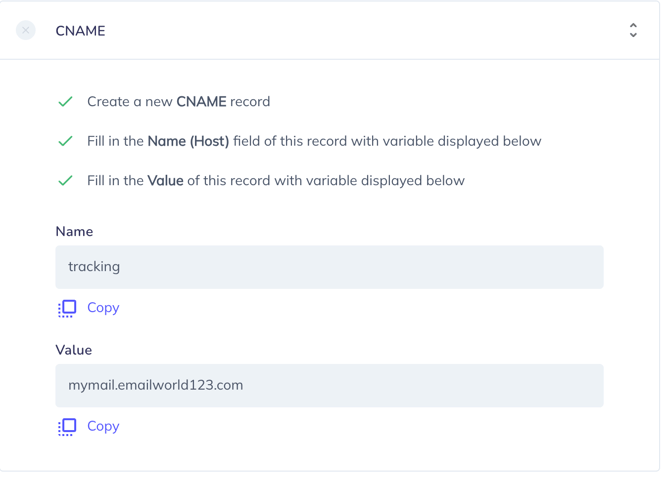
Create a new CNAME record
Fill in the Name (Host) field of this record with variable displayed below
Fill in the Value of this record with variable displayed below
Name
tracking
Value
mymail.emailworld123.com
DMARC
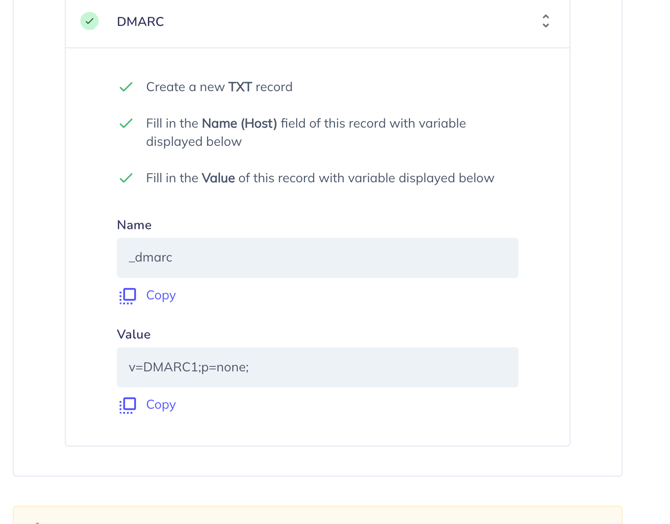
Create a new TXT record
Fill in the Name (Host) field of this record with variable displayed below
Fill in the Value of this record with variable displayed below
Name
_dmarc
Value
v=DMARC1;p=none;