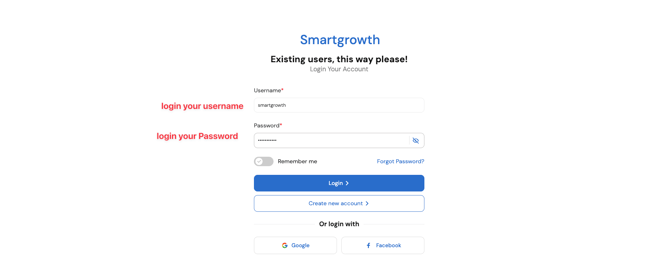
1. Login to Your Account If you already have a username and password, log in to your account. If not, contact your account manager to get access credentials.
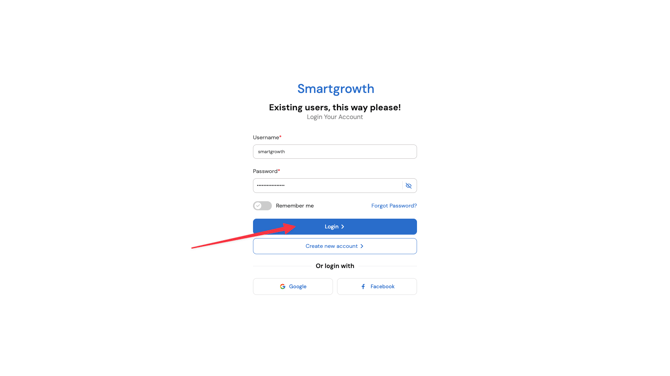
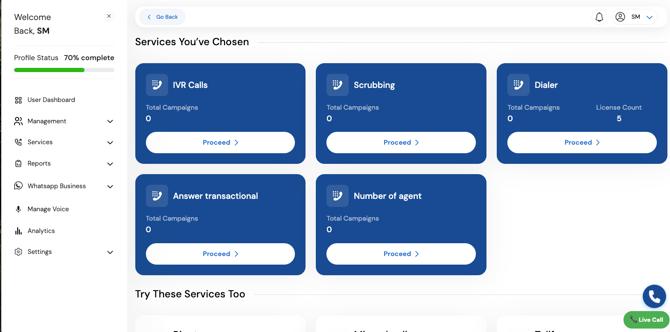
Once logged in, you will see the dashboard .
-
Going to service
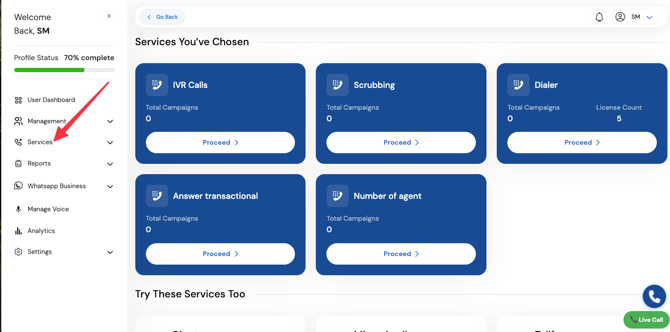
-
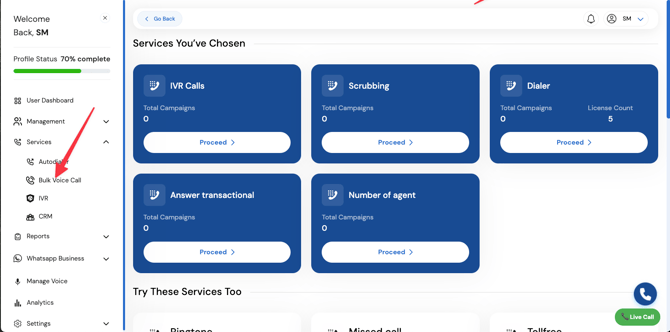
Select "Bulk Voice Call"
- From the dashboard, navigate to the option for bulk voice calls .
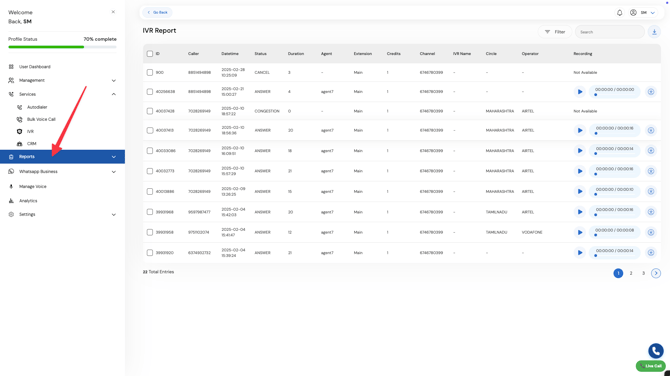
Select Report
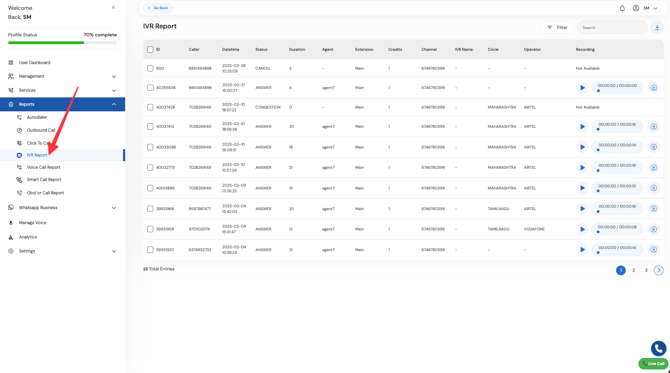
Select IVR Report
Select file and download
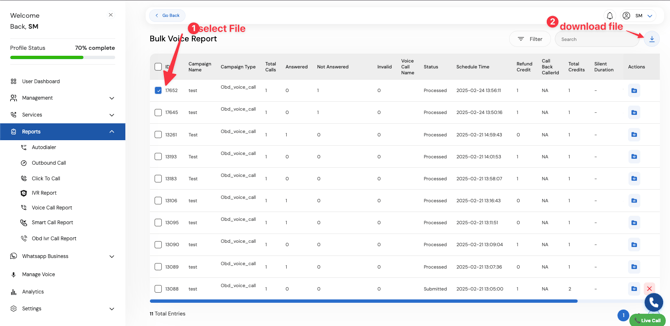
- From the dashboard, navigate to the option for bulk voice calls .
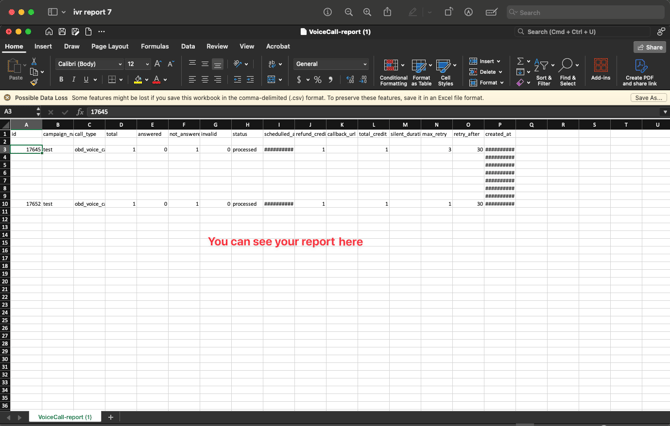
Once Download Complete open the file
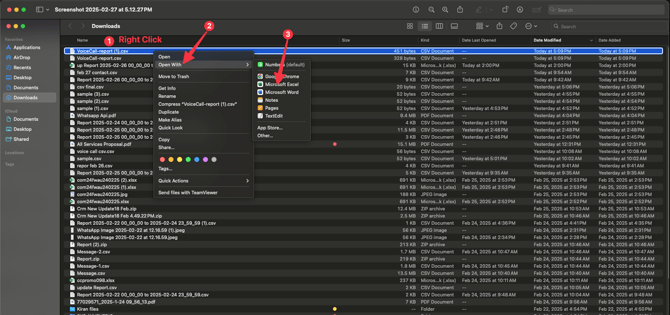
You can see the report