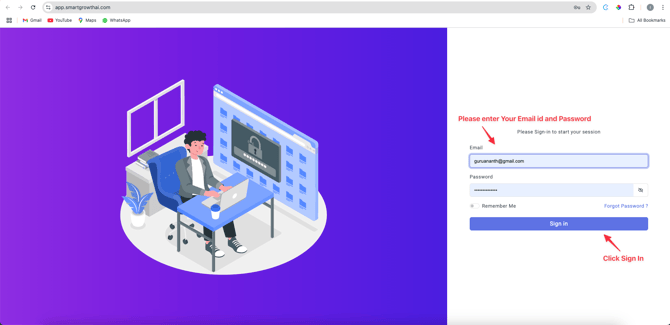
1. Log In to Your Account
- Enter your User ID and Password to log in.
• If you don’t have login credentials, contact your account manager.
* Click Sign In .
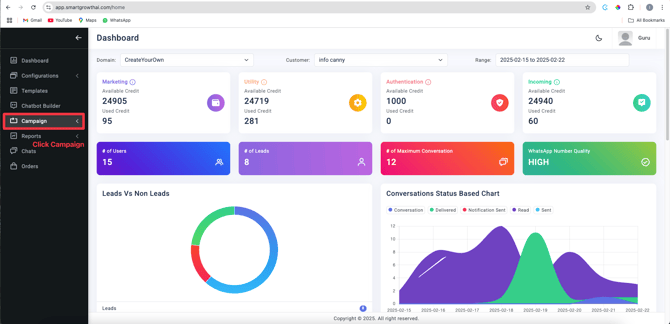
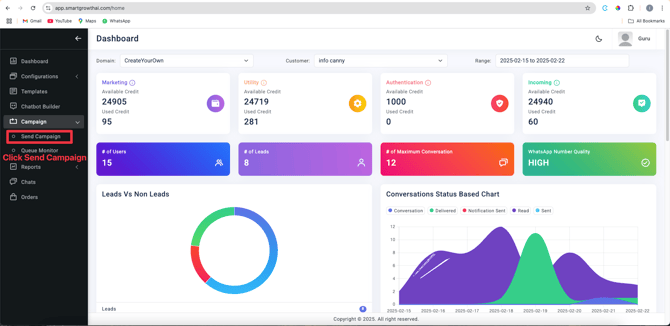
2. Access the Campaign Dashboard
- From the left-hand menu, select Campaign .
- Choose Send Campaign .
3. Configure Campaign Settings
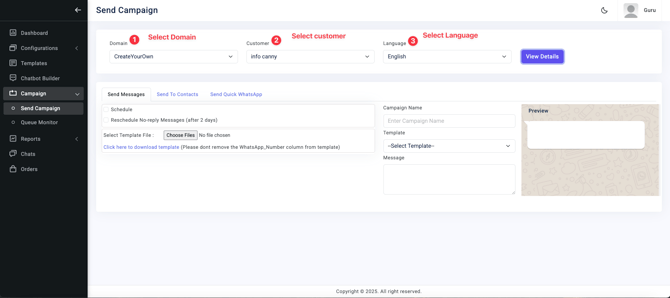
- Select Domain, Category, and Language :
- Choose the appropriate domain (e.g., your business domain).
- Pick the campaign category (e.g., promotional, transactional).
• Select the language for your message.
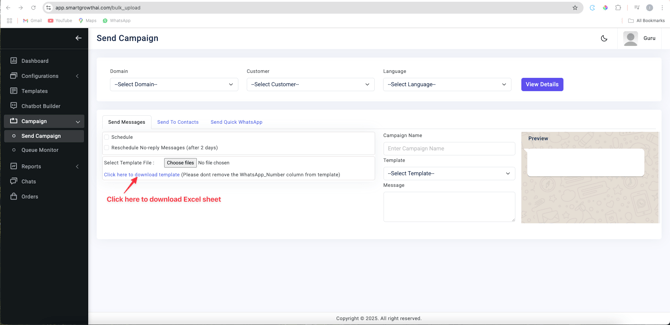
• Click Download Excel Sheet to get the required template.
- Important :
- Use only the provided Excel sheet.
- Do not modify the headers in the sheet.
- After filling in the sheet, upload it to the platform.
- Verify the number of contacts uploaded.
4. Finalize and Send
- Campaign Details :
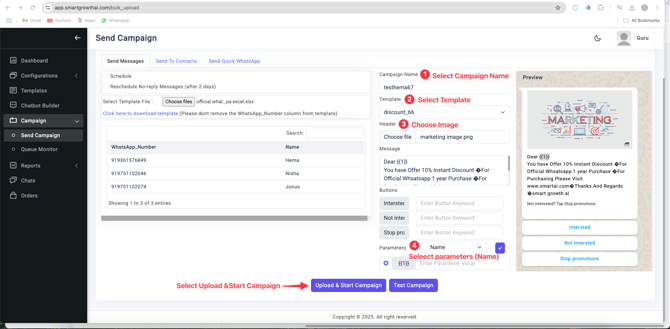
- Type a Campaign Name (e.g., "Summer Sale 2024").
- Select a pre-approved Template .
- Choose an Image for your campaign.
- Parameter Mapping :
- Map the Parameter Name from your Excel sheet to the template fields.
- Review and Launch :
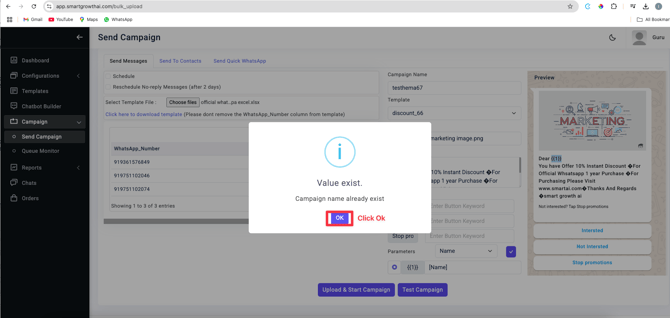
- Click Upload Campaign to finalize.
- Confirm by clicking OK .
- Confirm by clicking OK .