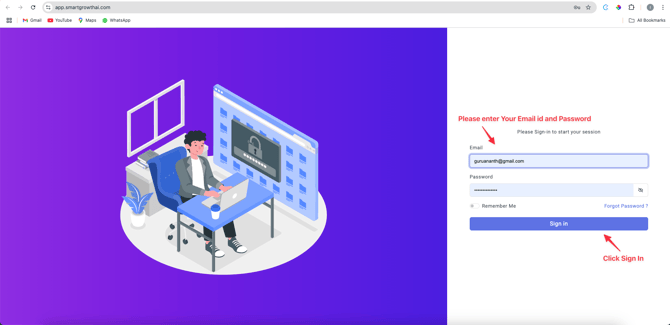
Step 1: Log In
- Sign in with your User ID and Password .
• Don’t have credentials? Contact your account manager.
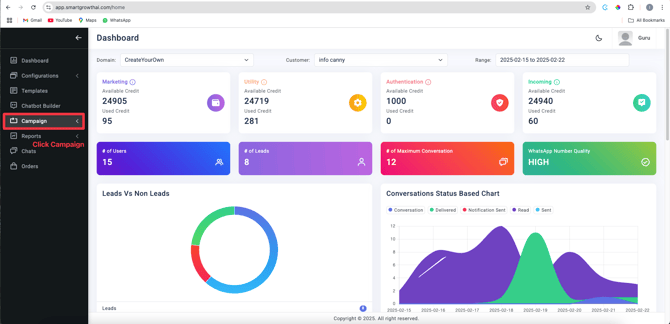
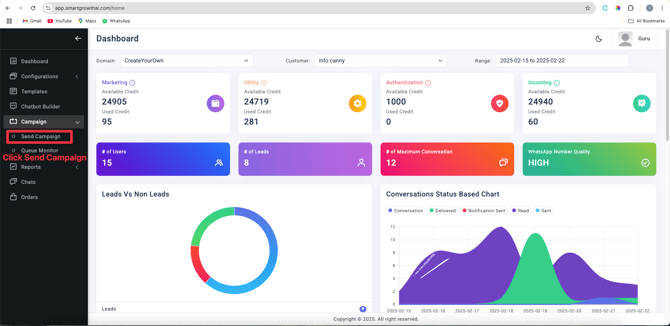
Step 2: Navigate to Campaigns
- From the Dashboard , click Campaigns in the left-hand menu.
2. Select Send Campaign to start a new campaign.
Step 3: Configure Campaign Details
- Template Selection :
- Choose a Template Name , Category , and Language .
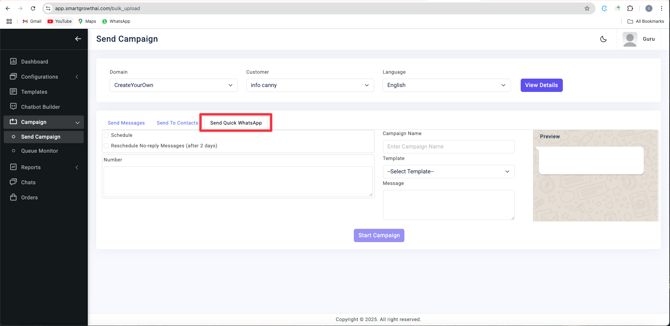
- Select Send Quick Whatsapp.
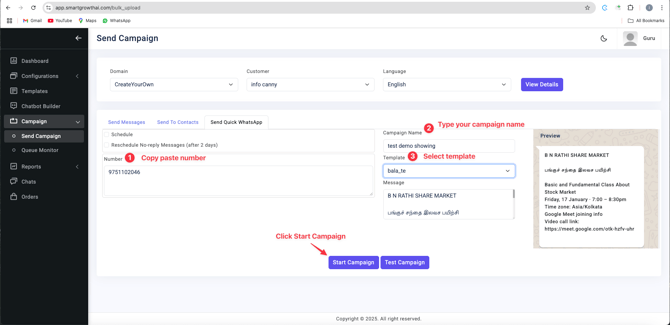
- Copy paste the Numbers.
- Type Campaign Name.
- Select Template.
- Click Start campaign.
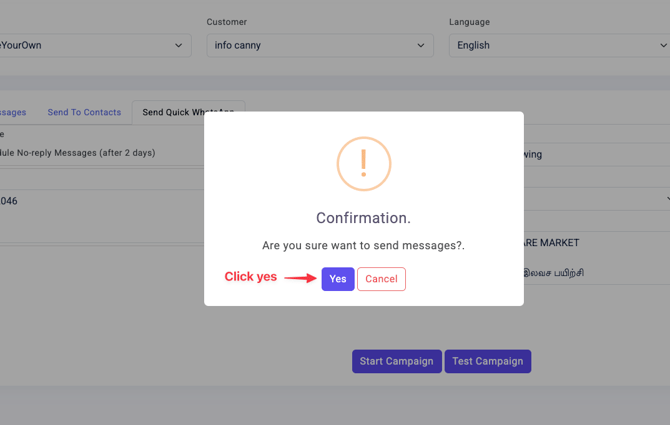
Step 4 : Conformation
* Click yes.